Free · No sign-up · Runs in your browser
Beautiful device mockups in seconds
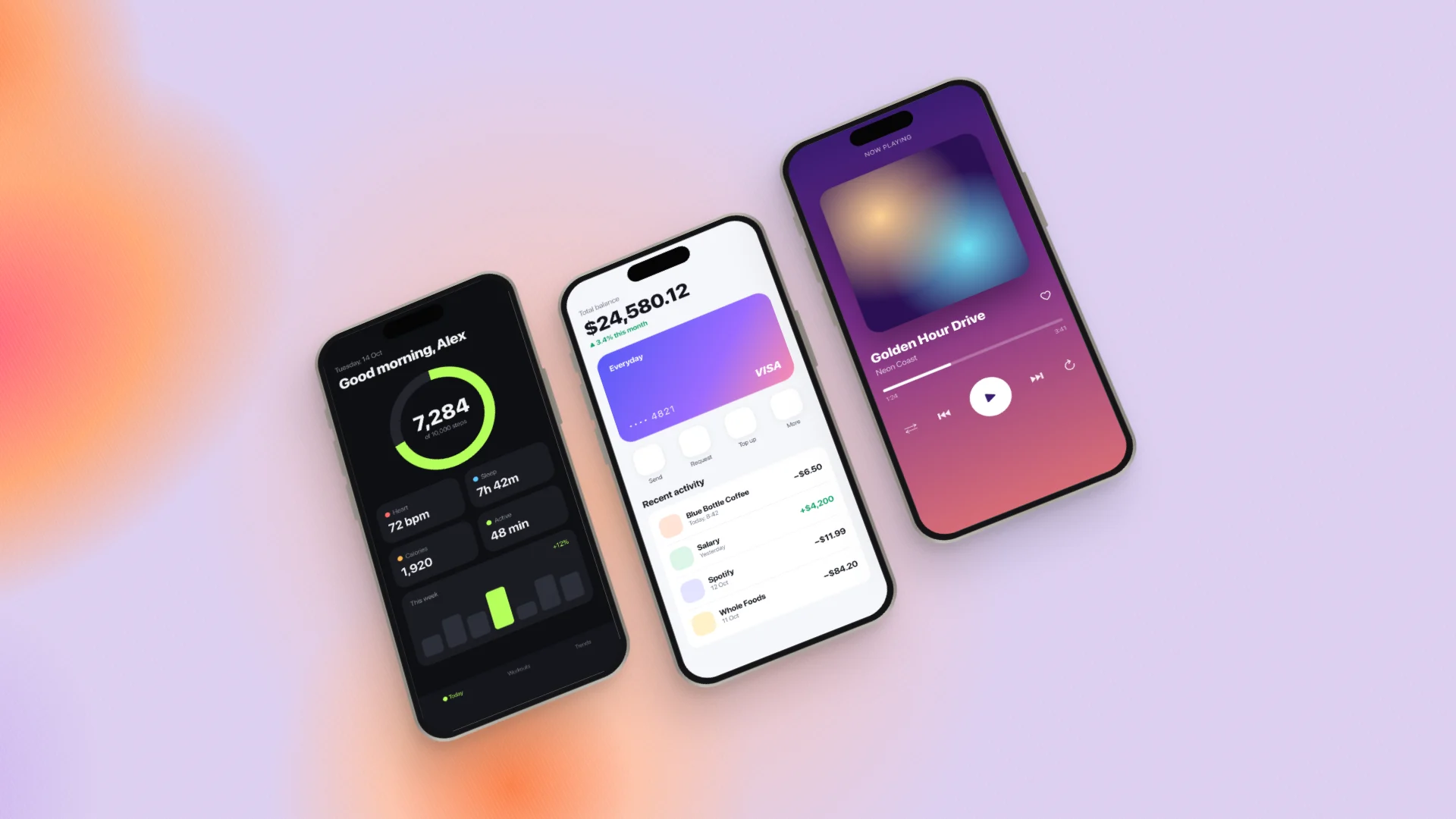
Drop in your app screenshots, pick a device, layout and background, and export a polished image for your launch post, App Store page or portfolio.
- Screenshots never leave your device
- Export up to 3× (5760 px)
- Lossless PNG and WebP
Everything you need, nothing you don't
Made for indie developers, designers and anyone launching something.
-
Real device frames
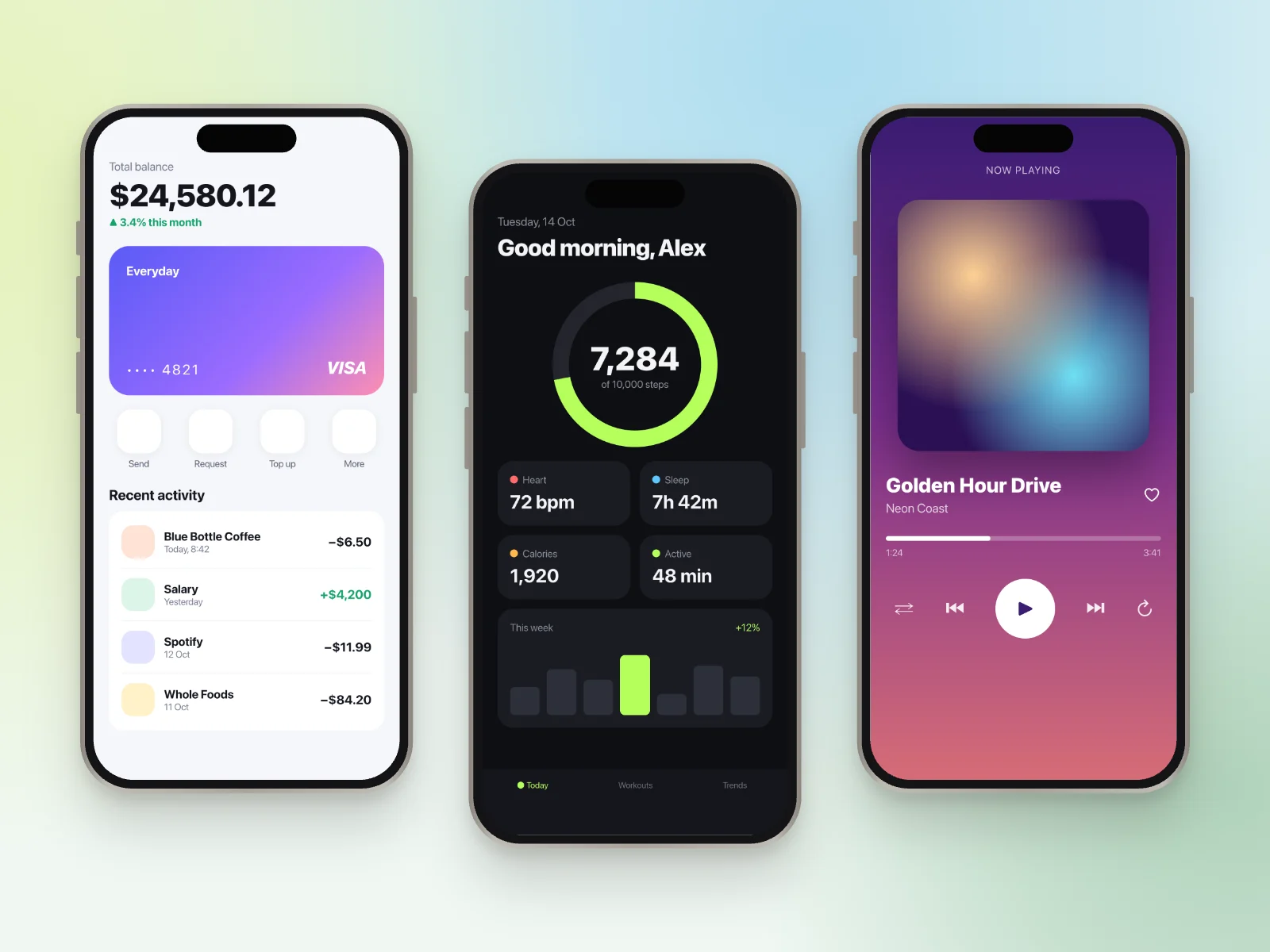
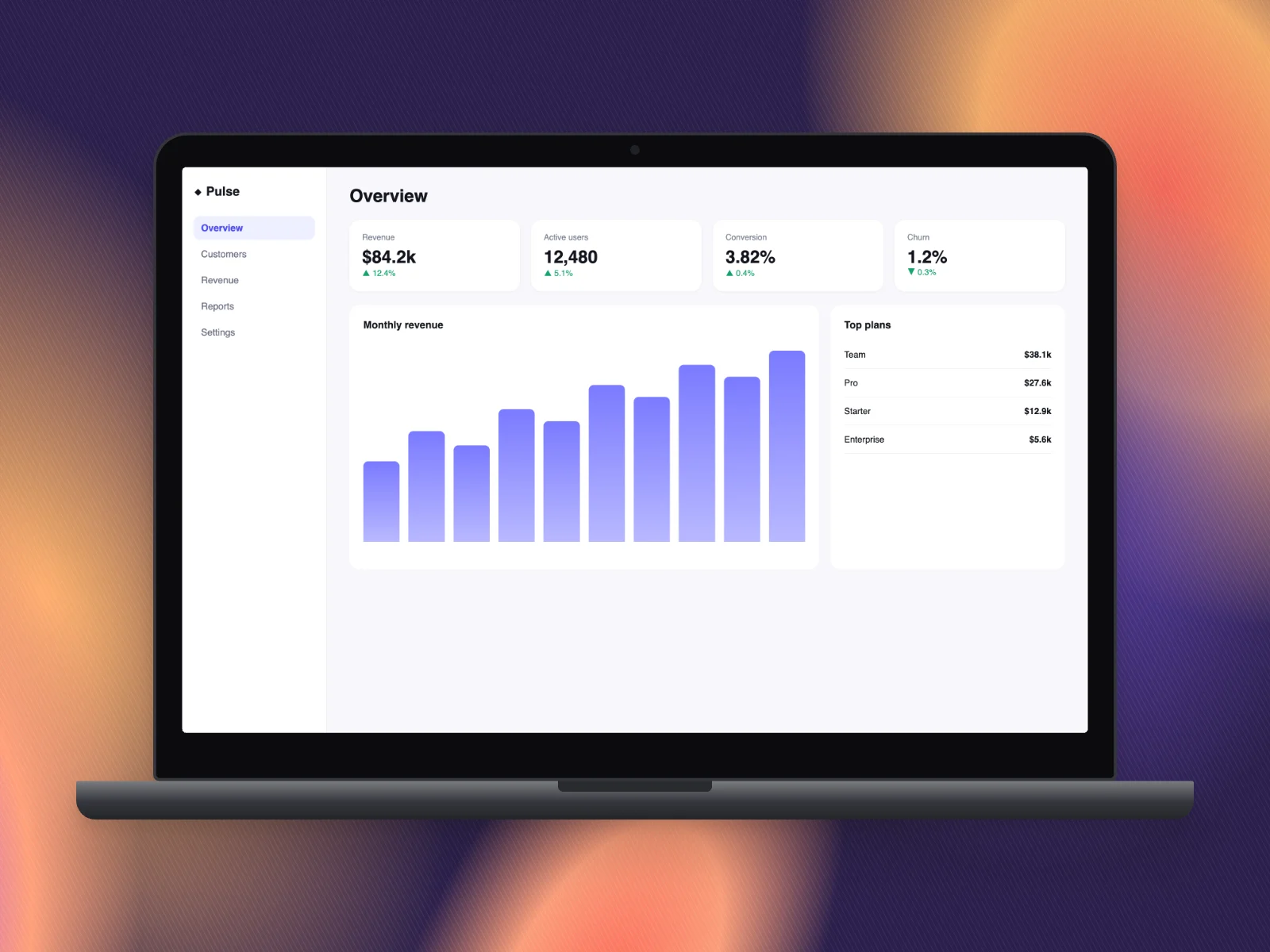
iPhone, Android, tablet, browser window and laptop, in realistic or minimal styles and six colours.
-
3D layouts, done right
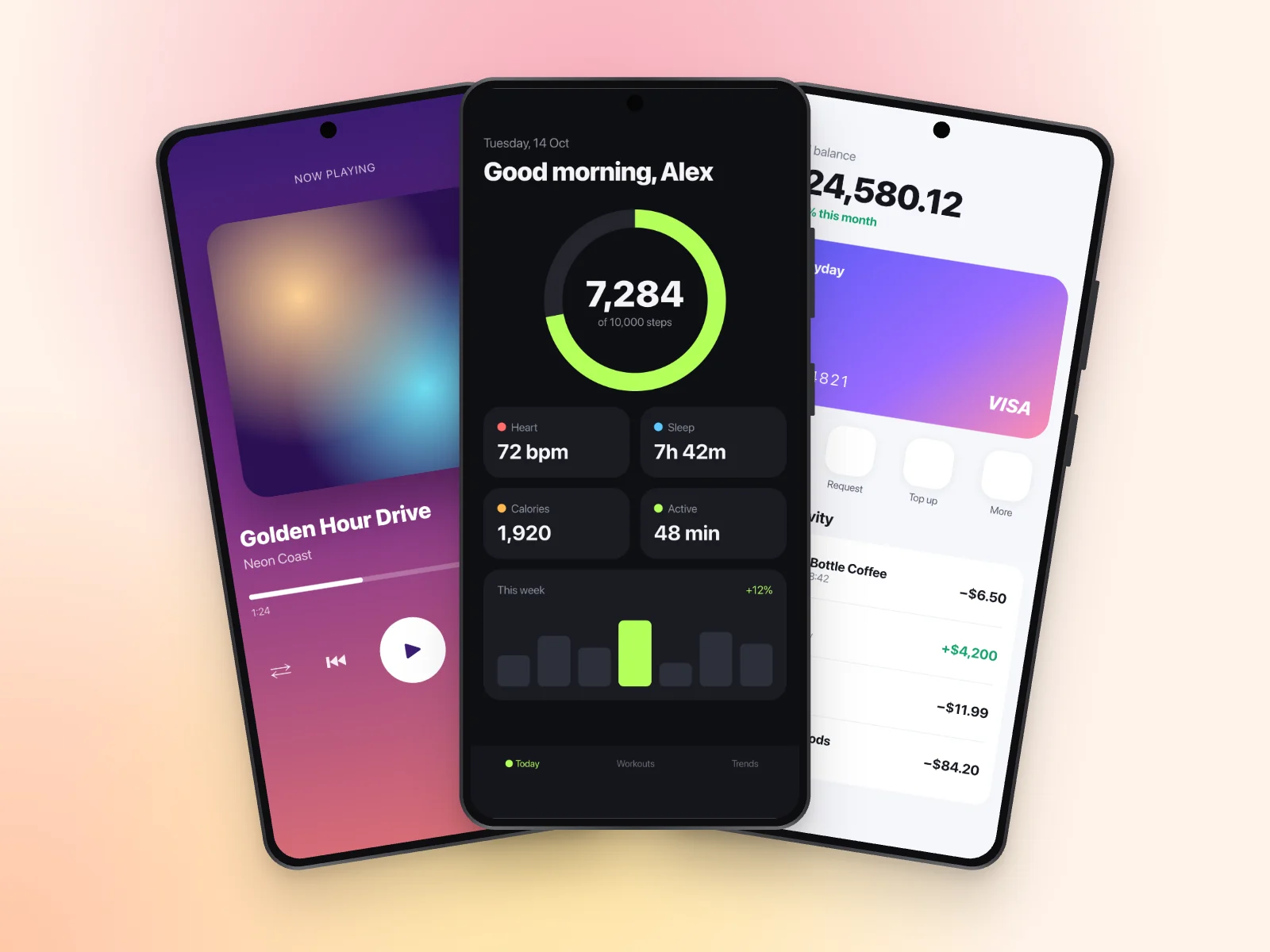
Flat, tilted, isometric, cascade and fan layouts with true perspective, so devices never look stretched.
-
Backgrounds that pop
Twelve soft gradients with shuffle-able shapes, plus linear, solid, your own image or transparent.
-
Headlines built in
Add a title and subtitle above, below or beside your devices. Text colour adjusts automatically.
-
Pixel-perfect export
PNG, JPG or lossless WebP at 1×, 2× or 3×, or copy straight to your clipboard. What you see is what you get.
-
Private by design
Everything happens in your browser. No uploads, no account, and your work is saved on your device.
How it works
-
Add your screenshots
Drag and drop, paste with ⌘V, or click a device to choose files.
-
Make it yours
Pick a device, layout and background, then fine-tune tilt, spacing, shadow and text.
-
Export and share
Download in the size your platform needs, from Instagram posts to link previews and slides.
Made with MockSnap
Every image on this page was created in MockSnap in under a minute.
Questions
Is MockSnap free?
Yes. Every device, layout, background and export option is free to use.
Do I need an account?
No. Open the app and start creating. Your settings and screenshots are saved in your browser so they're there next time.
Are my screenshots uploaded anywhere?
No. Your images are processed entirely in your browser and never sent to a server. If you accept cookies, we use Google Analytics and Microsoft Clarity to see how the site is used. They record page interactions, never the images you create.
What sizes can I export?
Presets for slides (16:9), Dribbble (4:3), Instagram (1:1, 4:5), Stories (9:16), link previews and X headers, or any custom size, at 1×, 2× or 3×. Formats: PNG, JPG and WebP.
Does it work on my phone?
Yes. MockSnap works in any modern browser, on desktop and mobile.